Automated clip trimming.
b-trim is a Premiere Pro panel. Select your B-roll bin, click once, and three selects sequences land back in your project — built from the same source clips, ready to drop on a timeline. Hours of footage in minutes, without ever leaving your edit.
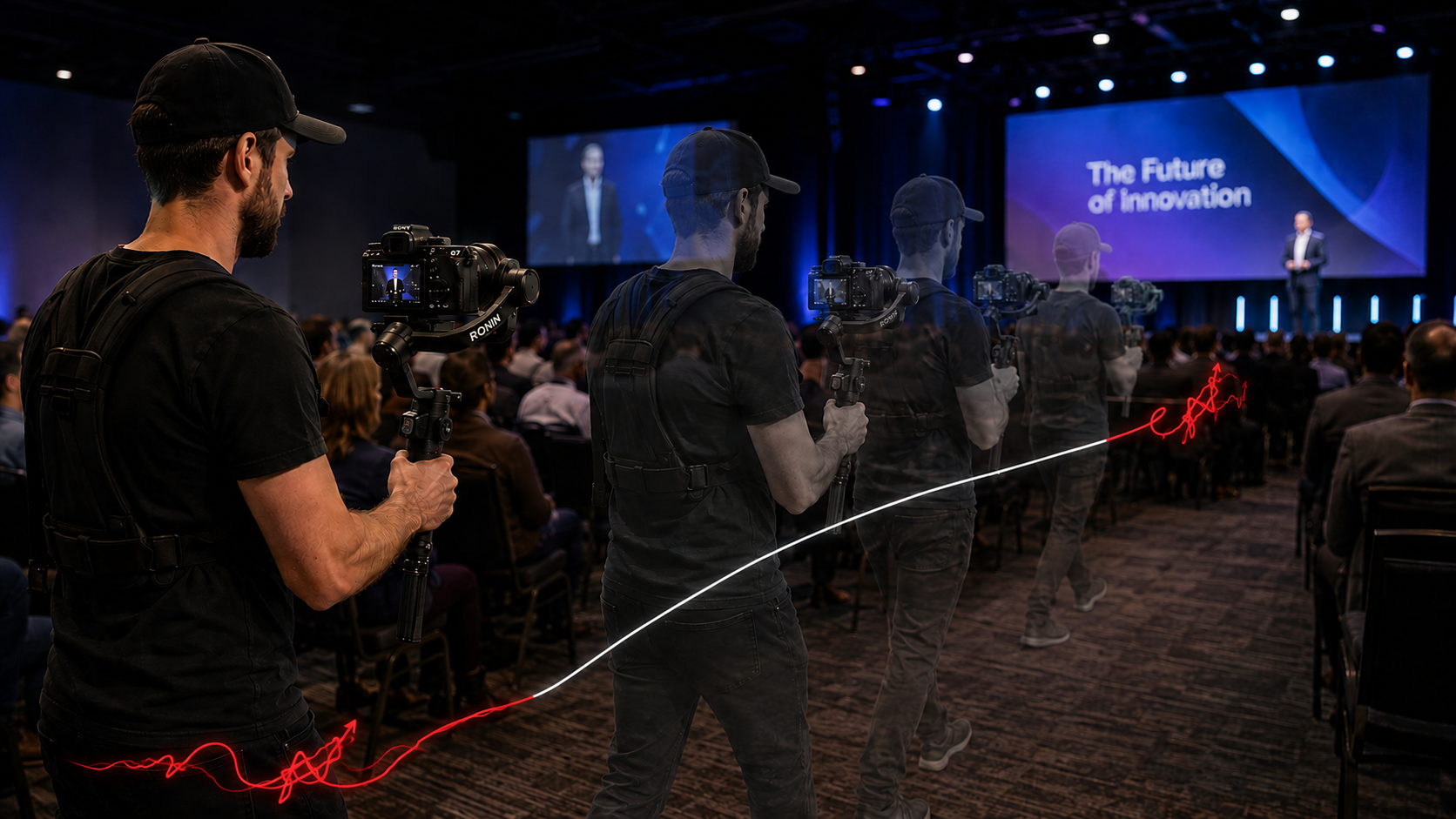
b-trim reads how the camera moved, and keeps only the bits where it moved well.
One panel. One click.
Select your clips
Open a bin containing your clips to process.
Send to b-trim
Click once. B-Trim analyses every selected clip locally. Watch progress in the panel as the engine removes all unusable footage.
Edit
Three sequences appear in your project — B-roll Selects, Cut content and Unanalysed — built from your original clips. Drop them on a timeline and go.
Built for editors who value their time.
Entirely Local
Footage never leaves your Mac. No upload, no cloud, no privacy surprises.
Lightning fast
1h+ of 4k footage analysed and trimmed in three to five minutes on Apple Silicon. Start editing sooner.
Sub-shots within a take
One continuous take often hides several distinct selects. b-trim splits within a clip, so different framings inside the same take each get their own entry.
Non-destructive
Nothing is deleted. All your footage is categorised across the three Premiere sequences, so anything trimmed out is still one click away.
Inside Premiere
Everything happens inside Premiere. The panel reads directly from your active bin — no third-party client, no exports, no drag-and-drop.
One-time price
£15. Lifetime licence. No subscription, no upgrade fees, no per-project nonsense.
One licence. Forever.
- Premiere panel + local engine
- Activate on one Mac
- All future updates included
- Premiere Pro 25 and later
- Email support
Your activation key arrives by email within a minute. If it doesn't, check spam or email me.
Common questions.
What do I need to install?
Two pieces, one installer. The Premiere panel (a small .ccx via Creative Cloud) and the local engine (b-trim.app on your Mac). The panel talks to the engine over localhost — both are walked through in the welcome email.
What systems does b-trim run on?
Adobe Premiere Pro 25 or later, on macOS (Apple Silicon recommended). Windows support is on the list but not yet shipped.
Does my footage leave my computer?
Never. The panel sends file paths to the engine running on your own Mac — bytes don't move, and nothing touches the network.
How long does it take?
Far faster than real-time. 1h+ of 4k footage is analysed and trimmed in three to five minutes on an Apple Silicon Mac. Bigger jobs scale linearly across cores.
What gets cut?
Sub-shots that score low on camera motion — jerky framing between intentional moves and the dead air at the start and end of takes. The engine never throws away "duplicate" framings: if you shot the same subject three ways, you get three selects.
Will it touch my project or rename my clips?
No. b-trim creates new sequences and bins directly inside your project — nothing is imported, and your original clips, bins and timelines stay exactly as you left them.
Can I move my licence to a new machine?
Yes — email me and I'll deactivate the old one. Self-serve transfer is on the roadmap.
Refunds?
Full refunds offered within the first week of purchase.